

rus
eng


  Control Panel
 
  Registration


  What is E-NUM?


E-NUM authorization system
No more passwords, e-mail only


Challenge - Response Authorization via mobile device

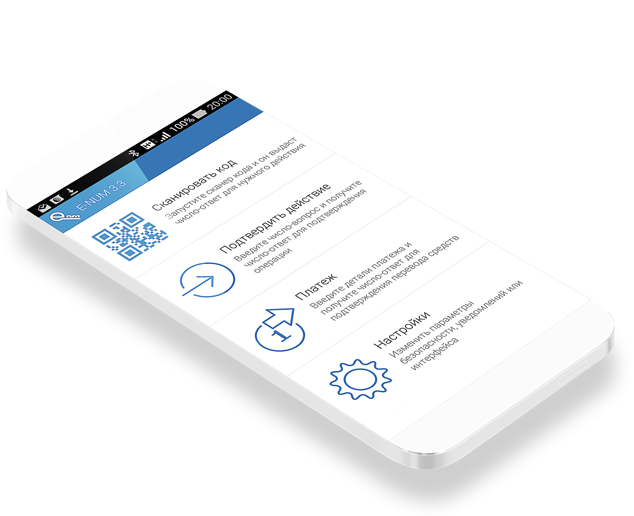
1. Install E-num application, with a unique cipher-pad into your mobile device.

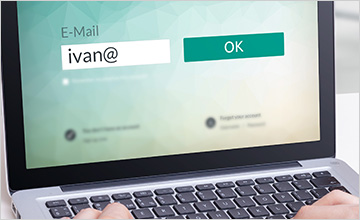
2. Unique challenge value appears at the authorization window (online) after entering your registered e-mail address.

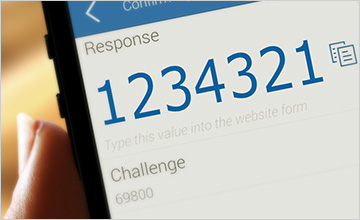
3. After entering the challenge value into the e-num application, you receive the response value.

4. Enter the response and login!

  • Support Java MIDP 2.0 phones, iPhone, iPad, Android, Windows Mobile devices
  • E-NUM client download: new user? | already registered | recovery


    Fingerprint authorization from a laptop or PC

    1. Install E-num Fingerprints application

    2. Register your fingerprints at your Control Panel at the E-num site

    3. Press your finger to the scanner at your device the authorization window (online). Login!

  • Support both external and embedded devices, built into laptops, keyboards, mouse List of supported devices

  • Fingerprint Scanners and Devices store, delivery available
  •  
     Refer all your questions to:: support@enum.ru
     
    © Computing Forces Close Corporation 2005-2012